Claude vs ChatGPT vs Grok: MCP connector differences
The exact configuration differences between the three MCP clients: callback URLs, DCR vs CIMD, where the connector UI lives, plan requirements, and what each one probes, so one server can satisfy all three.
Updated
On this page
All three clients speak the same core protocol: remote MCP over Streamable HTTP, OAuth 2.1 with PKCE, RFC 9728 protected-resource discovery, so a correctly built server works with all of them. But the details differ enough to break a connection if you hardcode assumptions. Here’s what differs, and what to build so one server handles all three.
The differences at a glance
| Claude | ChatGPT | Grok | |
|---|---|---|---|
| Where connectors live | Customize → Connectors (moved from Settings) | Settings → Connectors (+ Developer mode for custom) | grok.com/connectors |
| Plan needed for custom MCP | Pro/Max (and Team/Enterprise) | Plus/Pro/Business with Developer mode enabled | Paid tier |
| Client registration | DCR (RFC 7591), registers itself | CIMD preferred, DCR fallback | DCR |
| OAuth callback URL | https://claude.ai/api/mcp/auth_callback and https://claude.com/api/mcp/auth_callback |
https://chatgpt.com/connector_platform_oauth_redirect |
https://grok.com/connectors area (do not hardcode); accept what it registers |
| Manual client ID/secret | Optional (Advanced settings); blank for DCR | Via developer connector form | Via connector form |
| Transport | Streamable HTTP (SSE-framed) | Streamable HTTP | Streamable HTTP |
Claude
Connectors moved to Customize → Connectors (the old Settings page now just redirects). Add → Add custom connector takes a name and your MCP URL; OAuth client ID/secret are optional under Advanced settings and should be left blank so Claude self-registers via DCR. Full screenshot walkthrough: connect a custom connector in Claude.
Claude registers two callback hosts, both claude.ai and claude.com
variants of /api/mcp/auth_callback. Allowlist both.
ChatGPT
ChatGPT prefers CIMD (Client ID Metadata Documents): instead of
registering a client and getting an ID back, it presents a URL that is its
client identity, which your authorization server fetches. If your server
doesn’t support CIMD, ChatGPT falls back to standard DCR. Its callback is
https://chatgpt.com/connector_platform_oauth_redirect.
Custom MCP connectors in ChatGPT require Developer mode to be enabled in settings; without it, only the pre-built directory connectors appear. This is the most common “why can’t I add my server” cause on ChatGPT.
For CIMD support on your authorization server, the providers we tested expose a
flag: Auth0 (client_id_metadata_document_supported) and Stytch (Enable CIMD
toggle) both have it. See the Auth0 and
Stytch guides.
Grok
Grok connectors live at grok.com/connectors (shown below).
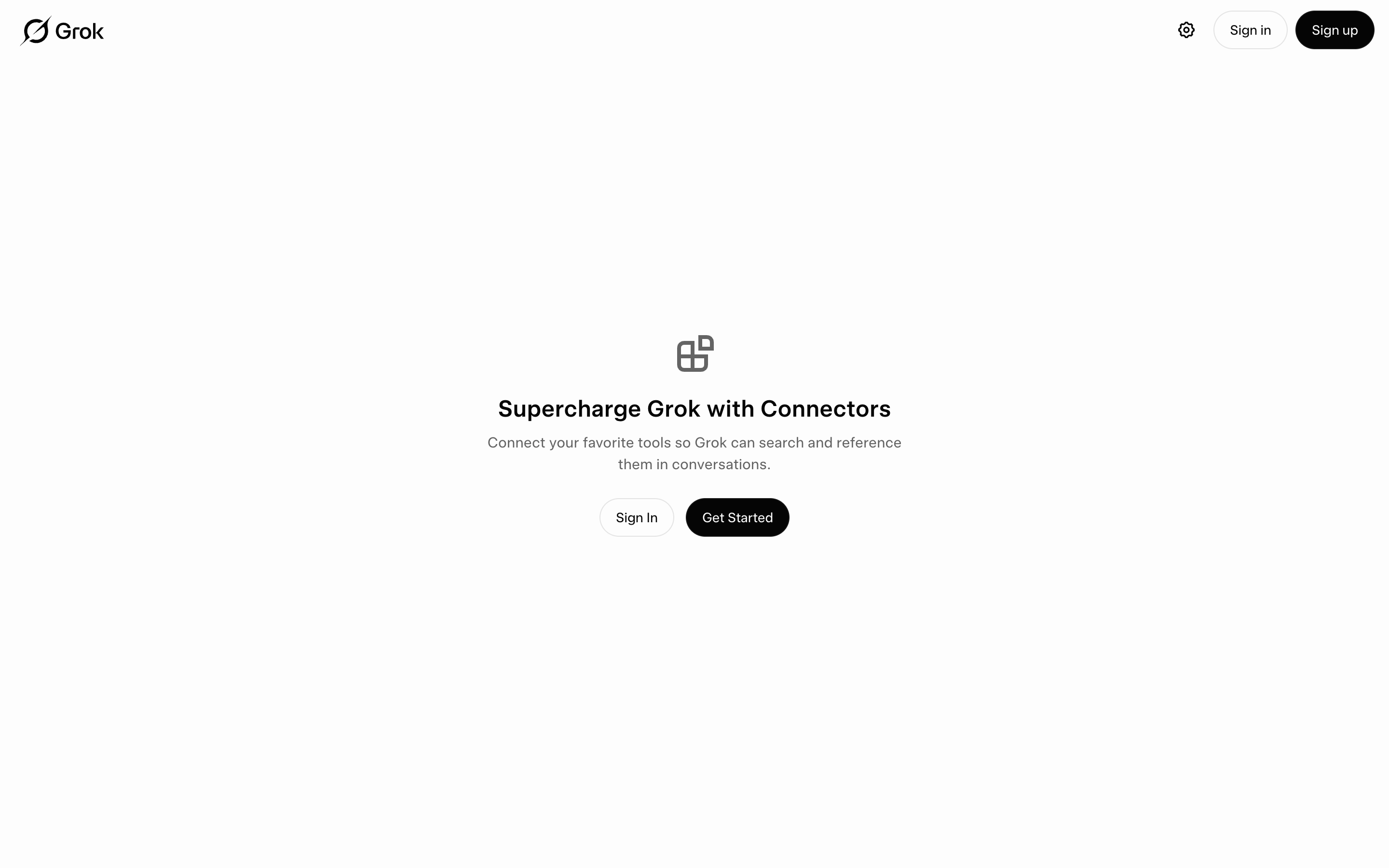
The load-bearing rule for Grok: do not hardcode its callback URL. Grok’s
redirect URI has changed and may differ by surface, so use the
allow-what-registers pattern: during DCR, store exactly the redirect_uris the
client sends and validate against those at /authorize, rather than
maintaining a hardcoded per-client callback list. That single pattern also
future-proofs you against Claude and ChatGPT changing their callbacks.
Make one server work for all three
Build your /register (DCR) endpoint to accept and store whatever redirect
URIs the client presents, validating their hosts against an allowlist
(claude.ai, claude.com, chatgpt.com, openai.com, grok.com, x.ai),
then at /authorize validate the requested redirect_uri exactly against
what that client registered. Don’t hardcode any single callback. Support CIMD
if your provider offers it (ChatGPT), fall back to DCR (all three). Everything
else is shared protocol.
Debug first-connection differences with logs
When one client connects and another doesn’t, the fastest diagnosis is to log every request during the first connection of each client: the logs are the authoritative record of what that specific client actually does (which discovery documents it fetches, whether it registers or presents a CIMD URL, what redirect URI it sends). Providers and clients change behavior over time; your logs are the only source that’s never out of date.
Next steps
- Build the allow-what-registers DCR endpoint once, then verify per client with the connector checklist: four curls, three times.
- Wire all three against one server with one server, three connectors.
- Add the client-specific connector with the Claude walkthrough, and grab the ready-made ChatGPT and Grok prompts from the library.
If a specific client fails where others succeed, debugging connector failures isolates the diverging step.
Put it into practice
Make my MCP server work as a ChatGPT connector
Wire the redirect URI, CIMD/DCR client identification, and discovery endpoints ChatGPT expects from a custom MCP connector.
Preview prompt
My remote MCP server at https://MY_DOMAIN/mcp already passes claude.ai connector validation. Make it also work as a ChatGPT custom connector (Settings → Connectors, developer mode).

Adjustments to implement, in order:
1. Redirect URIs: add https://chatgpt.com/connector_platform_oauth_redirect to the allowed redirect URIs in my OAuth layer. Better: refactor my dynamic client registration endpoint to store the exact redirect_uris each client registers and validate /authorize requests against what that client registered, with a host allowlist of claude.ai, claude.com, chatgpt.com, openai.com, grok.com, x.ai. Match the full derived redirect_uri exactly, not just the base host.
2. Client identification: ChatGPT prefers Client ID Metadata Documents (CIMD) — the client_id is a URL my authorization server fetches for client metadata. Check whether my OAuth stack supports CIMD; if yes, enable it. If not, ensure my registration_endpoint (RFC 7591 DCR) works, since ChatGPT falls back to DCR and registers once per MCP server connection, reusing the client afterwards.
3. Keep the discovery endpoints exactly as they are (/.well-known/oauth-protected-resource, /.well-known/oauth-authorization-server with S256 PKCE) — ChatGPT probes the same documents.
4. Log every request during the first ChatGPT connection attempt (discovery, /register body, /authorize params, /token exchange) so we have the authoritative record of what it sends.

My OAuth layer is: [fill in — e.g. the Auth0 thin proxy from quickoauth.com/guides/auth0-proxy-oauth, workers-oauth-provider, my own implementation].

After implementing, give me the curl checks for the discovery endpoints plus a DCR registration using ChatGPT's redirect URI, and tell me exactly where in ChatGPT's UI to add the connector.
Use this site from your agent
Add this URL as a connector in Claude, ChatGPT, or Grok. No sign-in required.
https://quickoauth.com/mcp