Add OAuth to your MCP server with Stytch Connected Apps
Stytch as the authorization server for an MCP connector: magic-link signup, the Connected Apps DCR + CIMD toggles, the project-domain metadata trap, and validating Stytch JWTs in a Worker. Executed live, screenshots included.
stytch · updated 2026-08-22
Stytch’s Connected Apps feature turns a Stytch project into an OAuth
2.0/OIDC identity provider, exactly what an MCP server needs in front of it.
We signed up fresh, enabled it, registered a client the way Claude would, and
validated a real Stytch-issued JWT in a Cloudflare Worker. The testbed lives
at https://qo-test-stytch.rough-disk-9b56.workers.dev/mcp.
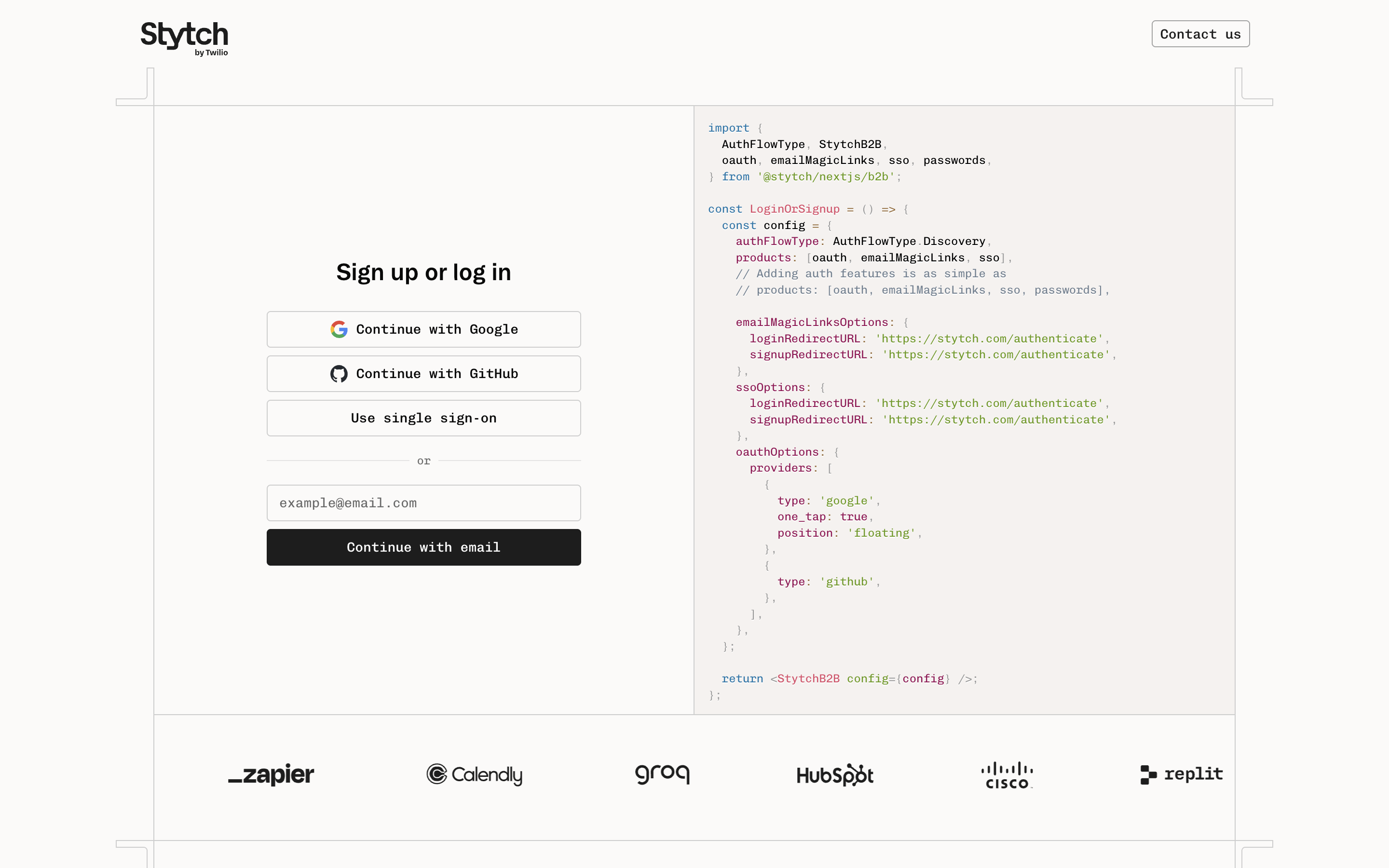
1. Sign up (free, magic link)
stytch.com/start-now: enter your email, click the magic link it sends, create a workspace. No card, no phone number.
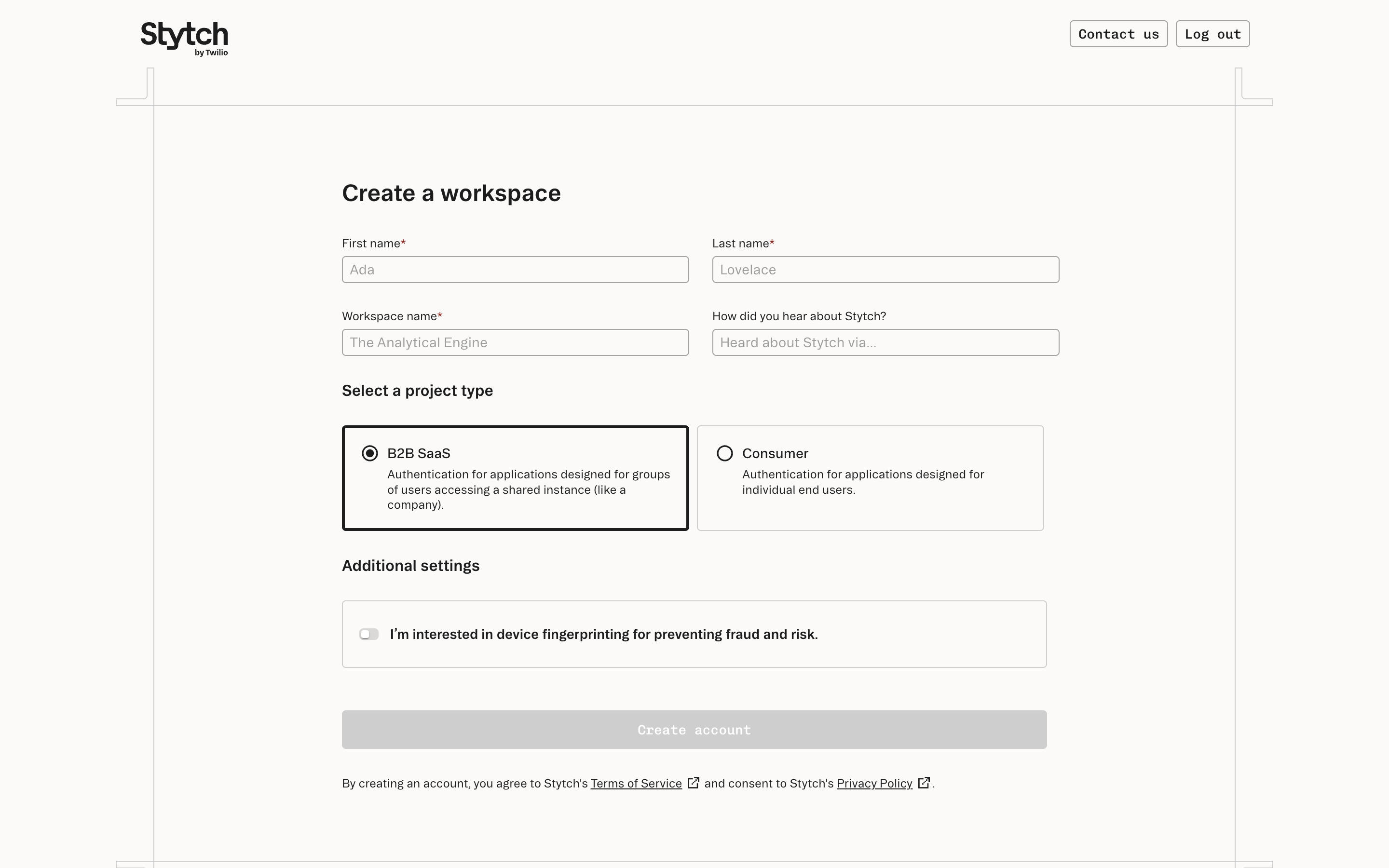
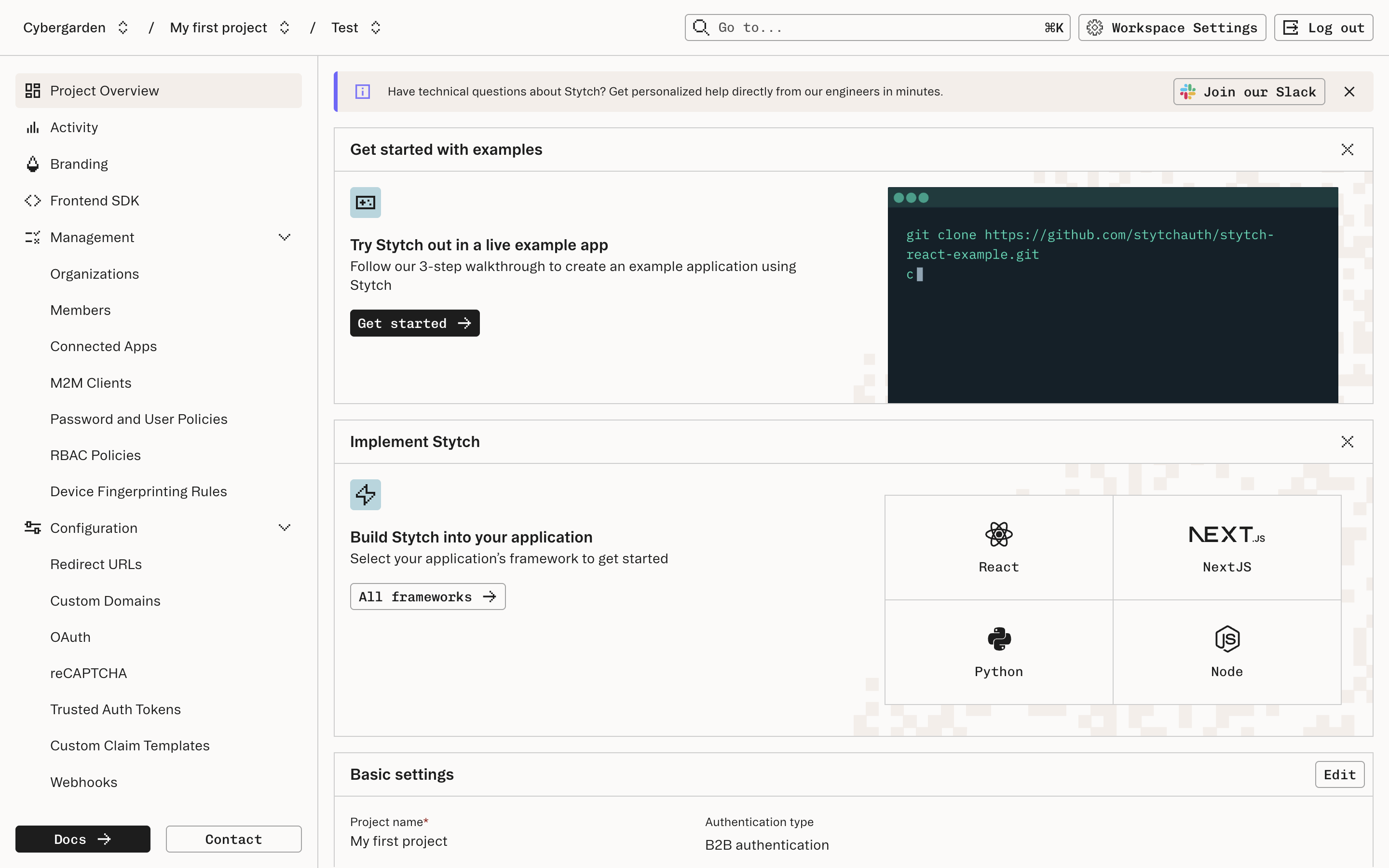
You land in a dashboard with a default project and a Test environment.
2. Enable Connected Apps
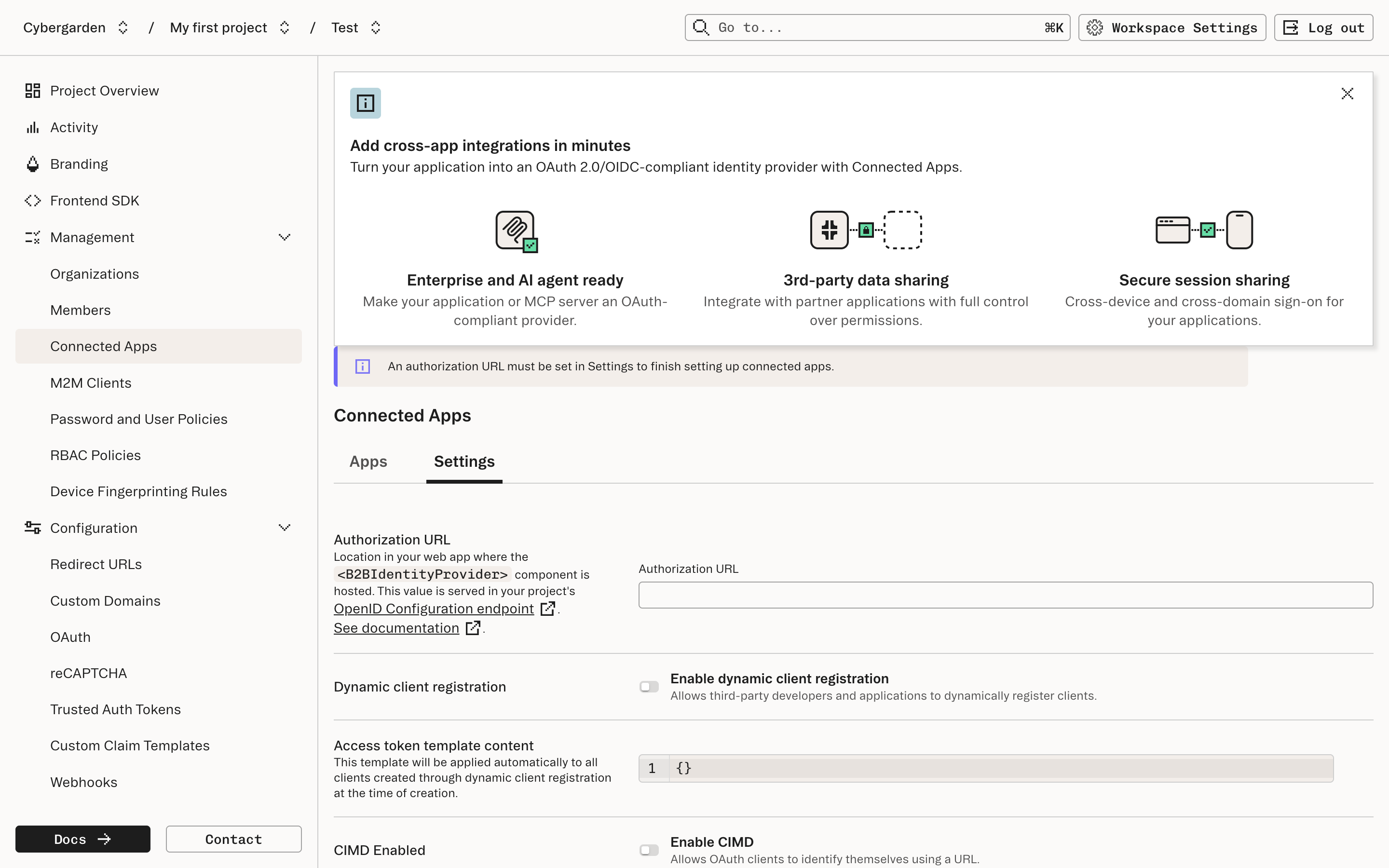
Sidebar → Connected Apps → Settings tab:
- Authorization URL: a page your app hosts where Stytch’s IdentityProvider UI component renders login + consent. Stytch delegates the authorize step to you, like Hydra does; unlike Auth0, there is no hosted consent page.
- Enable dynamic client registration: turn it on. This is what lets Claude, ChatGPT, and Grok register themselves.
- Enable CIMD: client ID metadata documents, the mechanism ChatGPT prefers over DCR.
3. Use the project domain, not the legacy API path
Every Stytch project has two metadata surfaces, and only one of them is MCP-ready:
legacy path (test.stytch.com/v1/public/{project_id}) |
project domain (https://….customers.stytch.dev) |
|
|---|---|---|
/.well-known/openid-configuration |
✅ | ✅ |
/.well-known/oauth-authorization-server |
❌ 404 | ✅ |
registration_endpoint in metadata |
❌ missing (even with DCR on!) | ✅ /v1/oauth2/register |
issuer |
stytch.com/project-test-… (not a URL) |
the domain itself ✅ |
refresh_token in grant types |
❌ | ✅ |
Find your project domain under Project Settings → Project Domain (ours:
orchid-legend-8092.customers.stytch.dev). Advertise the project domain
in your protected-resource metadata’s authorization_servers; an MCP client
pointed at the legacy path will never find the registration endpoint.
Verify DCR works before wiring anything else:
curl -X POST https://YOUR-DOMAIN.customers.stytch.dev/v1/oauth2/register \
  -H 'content-type: application/json' -d '{
  "client_name": "probe",
  "redirect_uris": ["https://claude.ai/api/mcp/auth_callback"],
  "token_endpoint_auth_method": "none"
}'
# → 201 with connected-app-test-… client_id, no null fields
4. Validate Stytch tokens in your MCP server
Stytch access tokens are RS256 JWTs against the project JWKS
(https://YOUR-DOMAIN.customers.stytch.dev/.well-known/jwks.json), but two
claims differ from what audience-checking middleware expects:
isson tokens is the legacy stringstytch.com/project-test-…(not the project domain). Accept both forms.audis the project or client ID, never your MCP URL. Don’t enforceaud === resource; validate issuer + signature + expiry, and use scopes for authorization.
Everything else is the standard contract: serve
/.well-known/oauth-protected-resource naming the project domain, answer
with 401 + WWW-Authenticate: Bearer … resource_metadata="…", reject bad
tokens with 401.
5. Headless testing with an M2M client
For CI, mint real project JWTs without a browser using a machine-to-machine
client (created with your project secret, then exchanged via the same
/oauth2/token endpoint):
curl -X POST https://test.stytch.com/v1/m2m/clients \
  -u "$PROJECT_ID:$SECRET" -H 'content-type: application/json' \
  -d '{"client_name":"ci"}'

curl -X POST https://test.stytch.com/v1/public/$PROJECT_ID/oauth2/token \
  -d grant_type=client_credentials -d client_id=$M2M_ID -d client_secret=$M2M_SECRET
The token that comes back is signed by the same JWKS your resource server trusts; our RL suite uses exactly this to prove the testbed validates Stytch-issued JWTs end to end on every deploy.
Next steps
To finish the setup:
- Host the authorization page (
IdentityProvidercomponent) at the URL you configured, and add your app’s domain under Frontend SDK → authorized domains. - Run the four-curl self-test from the connector checklist, but against the project domain for the metadata steps.
- Connect in claude.ai under Customize → Connectors, then repeat for ChatGPT and Grok per one server, three connectors.
The Stytch Connected Apps prompt (stytch-connected-apps-mcp) packages all of this for your agent. If registration fails, debugging connector failures has the probe order; for a contrast in trade-offs, see the Auth0 and Supabase walkthroughs.
Metadata
- Commit
- c6eb99c
- Browser
- —
- Current Time
- —
- Dimensions
- —
- Source
- guides
- Last Updated
- 2026-08-22